Blog
Product news and ideas for loan officers.
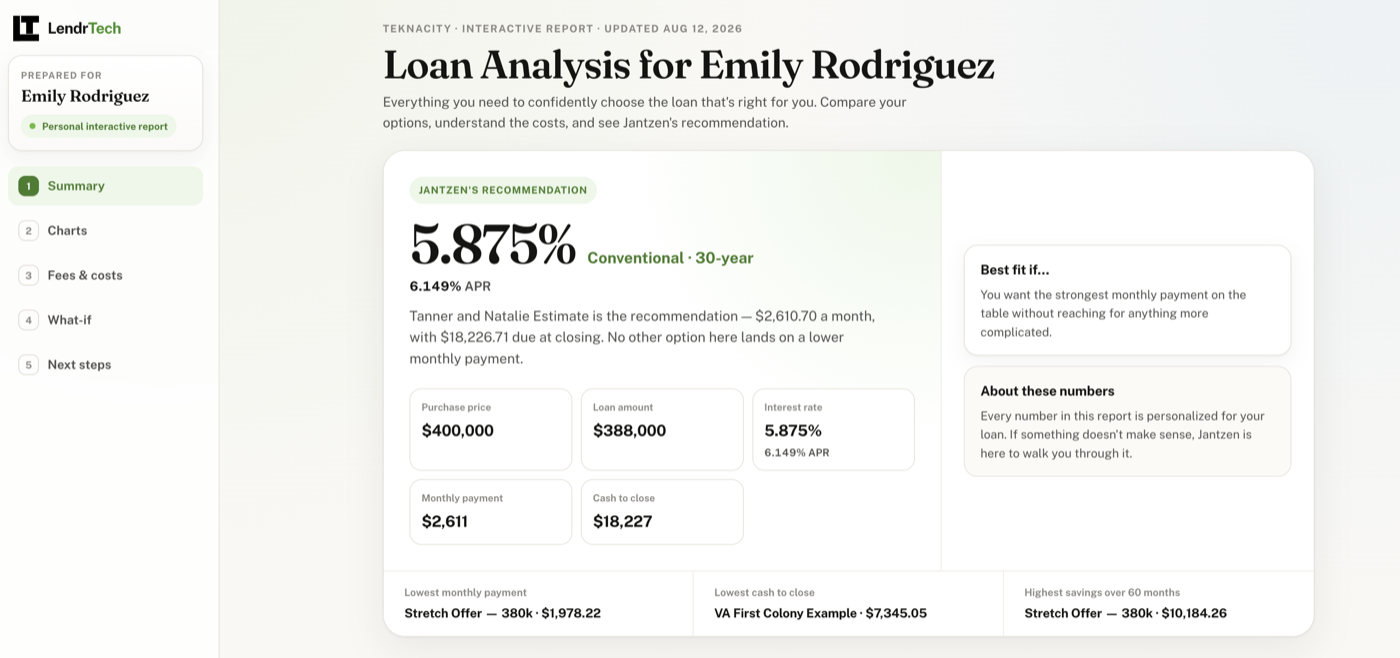
The report your borrower opens at 10pm
An interactive report is a private, tabbed web version of your report — sliders, expandable fees, one-tap buttons back to you — led by a short story you write or draft with AI.
-
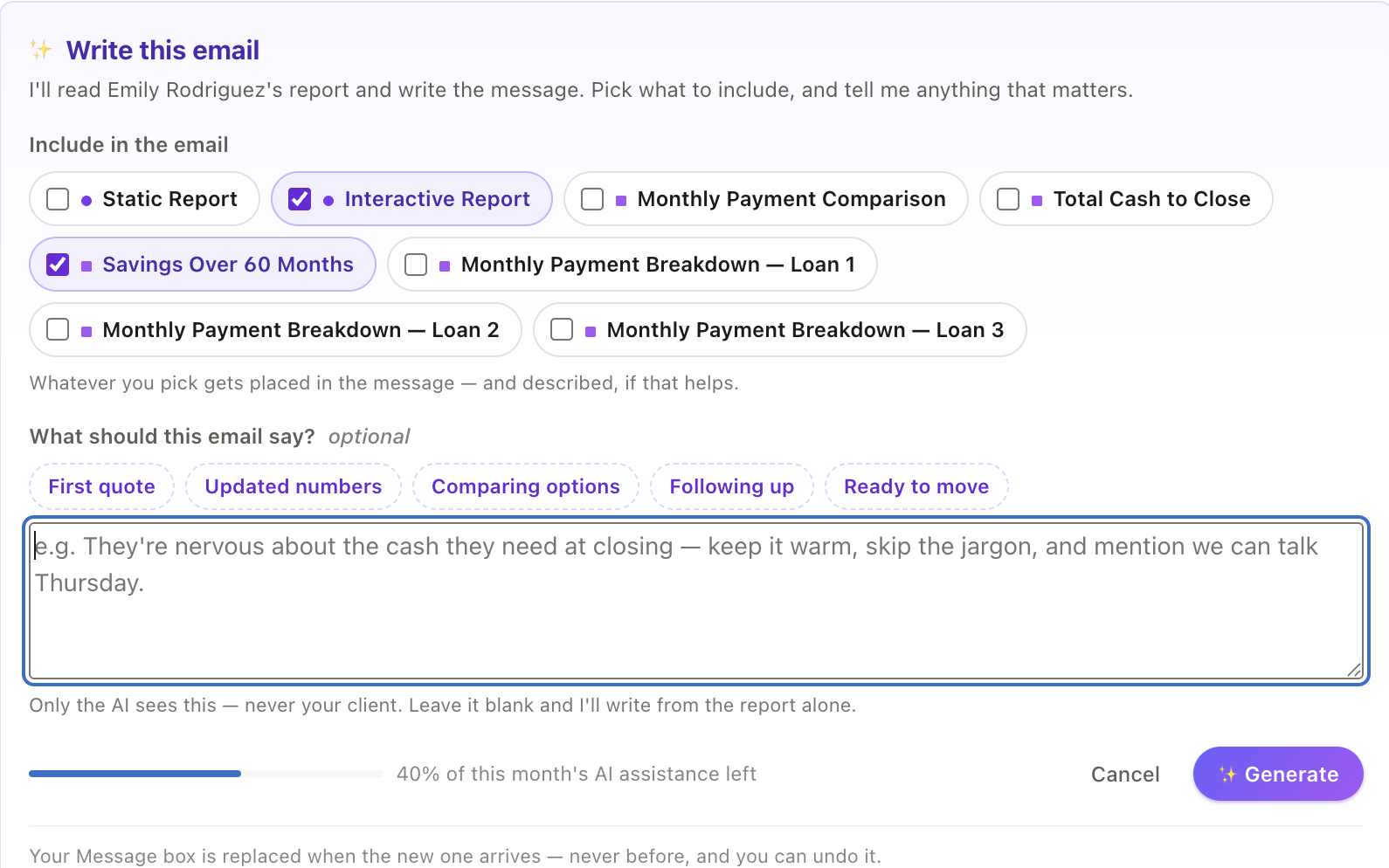
The blank box at the end of a good report
The send window is a real email composer — live preview, reusable templates, and an AI writer that drafts the whole note from the report you just built.
-
Hand the setup to your own AI assistant
Connect the assistant you already use to your LendrTech account, and let it build the client, the fee sheet and the report from the email that started it all.
-
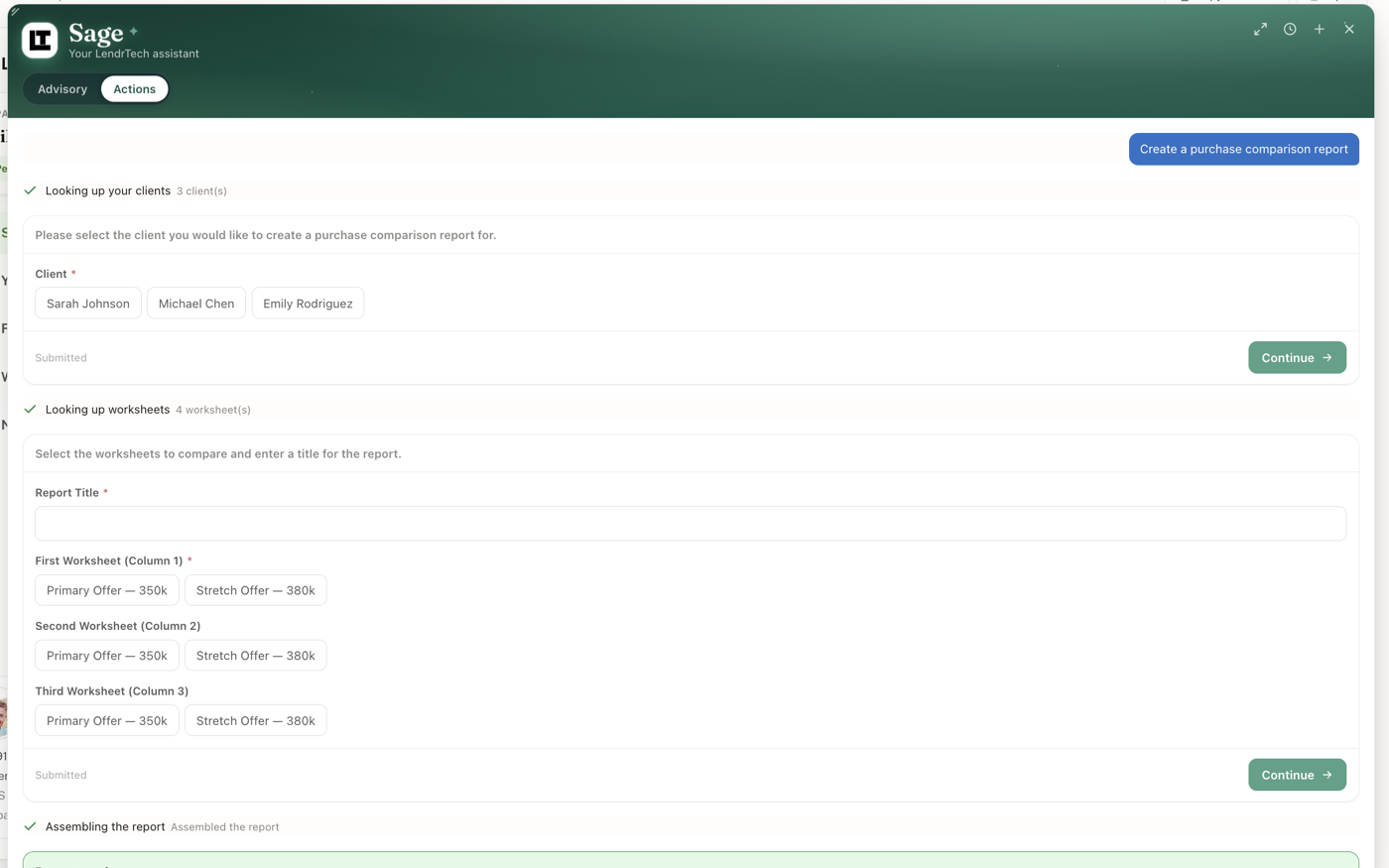
Say it once, and it’s built
Describe the scenario in plain language and watch Sage build the client, the fee sheets and the comparison report — asking before it guesses, and stopping for your OK before anything a borrower sees.
-
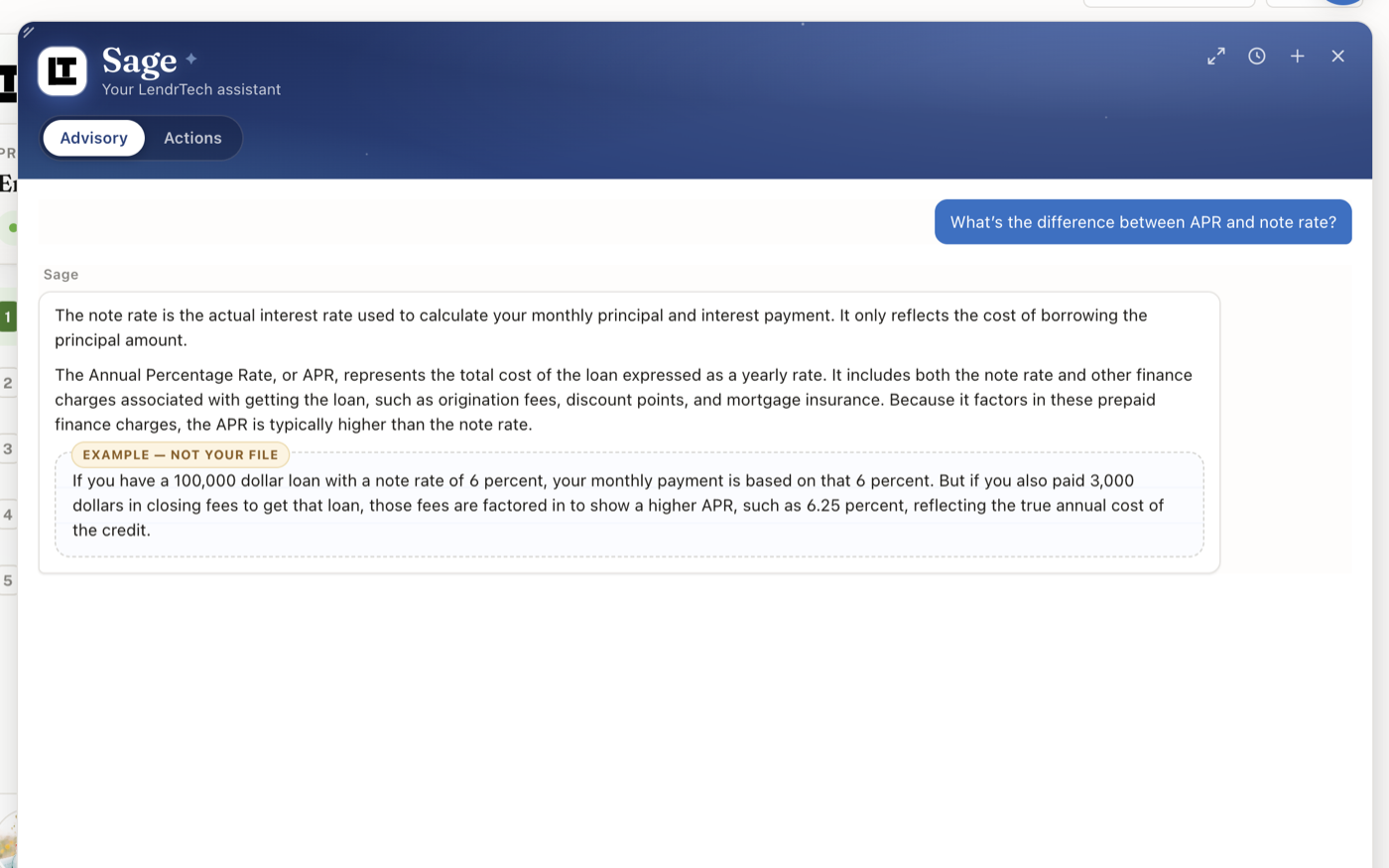
Meet Sage
The senior LO down the hall, on every screen — Sage explains how mortgage concepts work and where things live in LendrTech, and never touches your borrower’s real numbers.
-
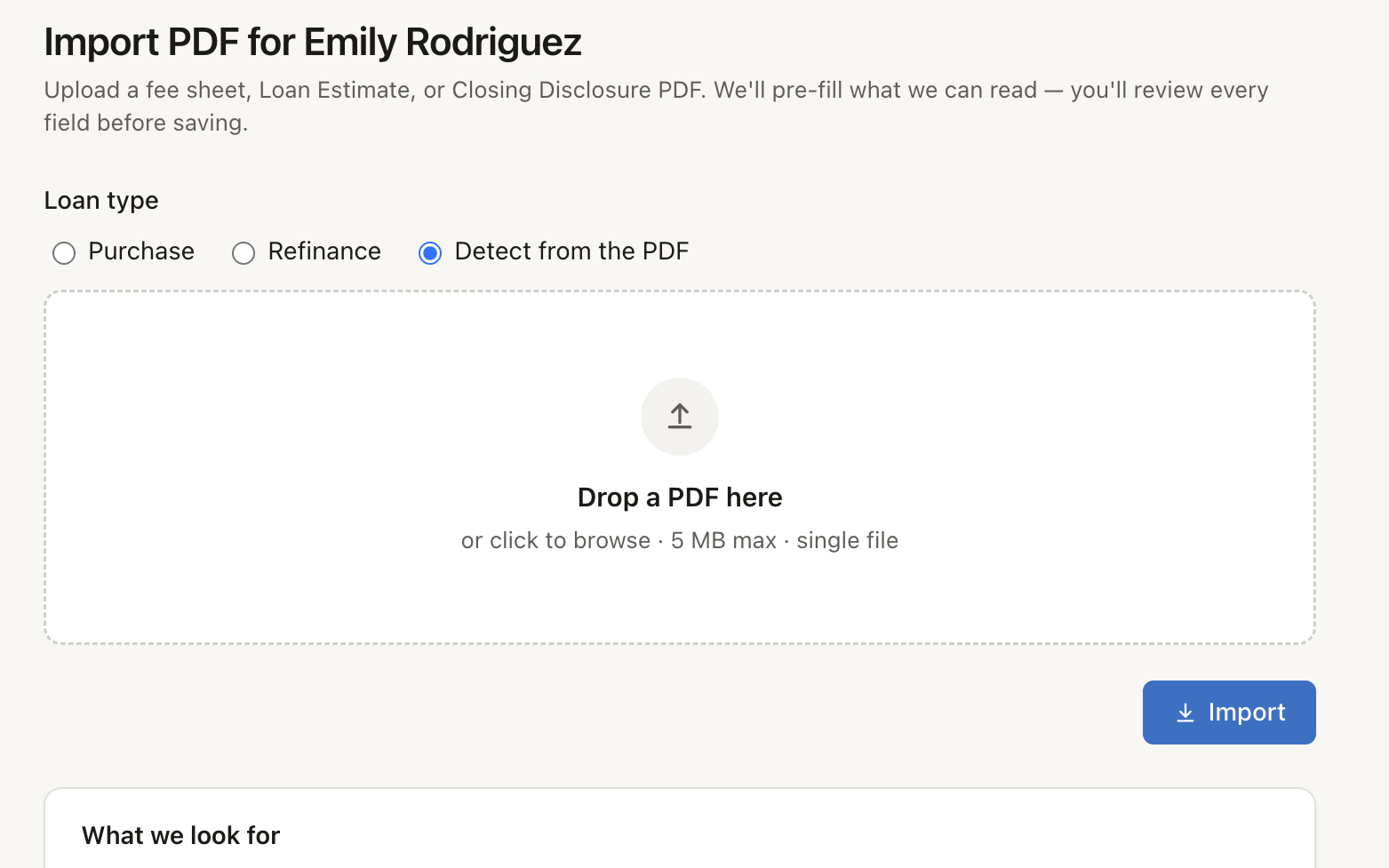
Stop typing fee sheets
Upload a lender fee sheet, Loan Estimate or Closing Disclosure and the numbers land in a LendrTech fee sheet — you review them, you save, and you get your evening back.
-
Introducing LendrTech Docs
A new home for guides and how-tos — everything you need to go from fee sheet to borrower-ready report.
